Date: March 17, 2026
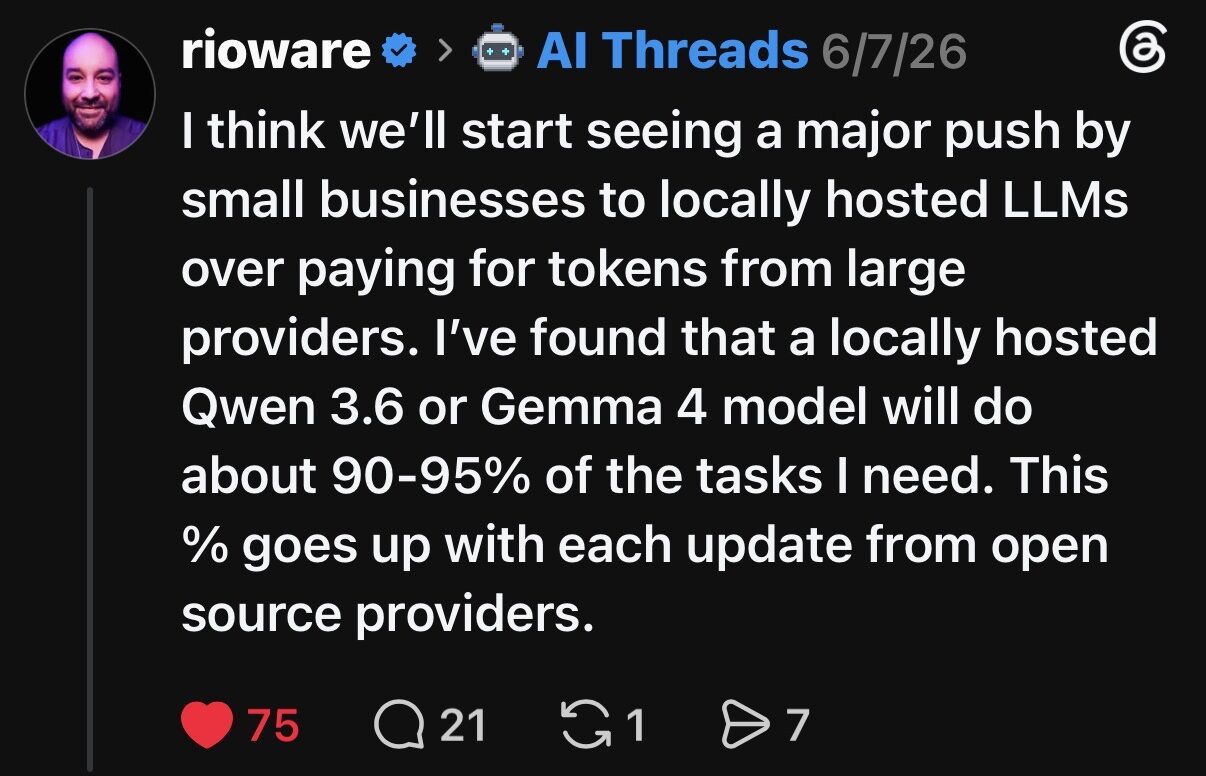
For those of us eager to harness the power of Large Language Models (LLMs) without relying on cloud services, building a local AI system is becoming increasingly accessible. This article details the hardware choices we made for our latest project – a Linux-based system optimized for running LLMs locally – along with a breakdown of the costs, pros, and cons of each component.
All pricing was current as of December 20, 2025. We focused on a mid-level system with upgradability in mind to stabilize component pricing for future iterations. We’ve since updated this on March 17, 2026 after updating to add another 32 GB of RAM and upgraded the GPU with an MSI RTX 5090 OC.
Note: As data center demand surges, memory shortages have begun to stress the consumer market. Commercial demand for AI development has tightened supply chains, so expect some volatility in RAM and GPU pricing.
System Overview & Use Case
Our goal was to create a robust, reliable system capable of running moderately sized LLMs (7B – 13B parameters) with reasonable performance. We prioritized a balance of CPU power, GPU acceleration, ample RAM, and fast storage – all within a manageable budget.
The operating system of choice is Ubuntu Linux for its excellent Nvidia driver support, package management, and overall efficiency in headless environments.
While AMD has been the current leader in the CPU market, outperforming Intel’s previous generation in gaming, Intel’s Ultra 9 processors are strategically positioned to excel in AI productivity tasks. The combination of high core counts and robust performance makes these CPUs ideal for users heavily involved in AI-driven workflows – think content creators, developers, or researchers utilizing AI tools for video editing, image generation, or machine learning.
Hardware Breakdown & Pricing
Here’s a detailed look at the components we selected for our final build.
1. CPU: Intel Core Ultra 9 Processor 285K

- Original Spec: Ultra 7 265K ($289.00)
- Final Upgrade: Ultra 9 285K
- Source: Walmart (Available at similar pricing tier initially), Ultra 9 was purchased on eBay.
- Why we chose it: LLM processing benefits from multiple cores for parallel tasks. The Ultra 9 provides excellent performance for AI productivity, handling model loading and pre/post-processing of prompts efficiently.
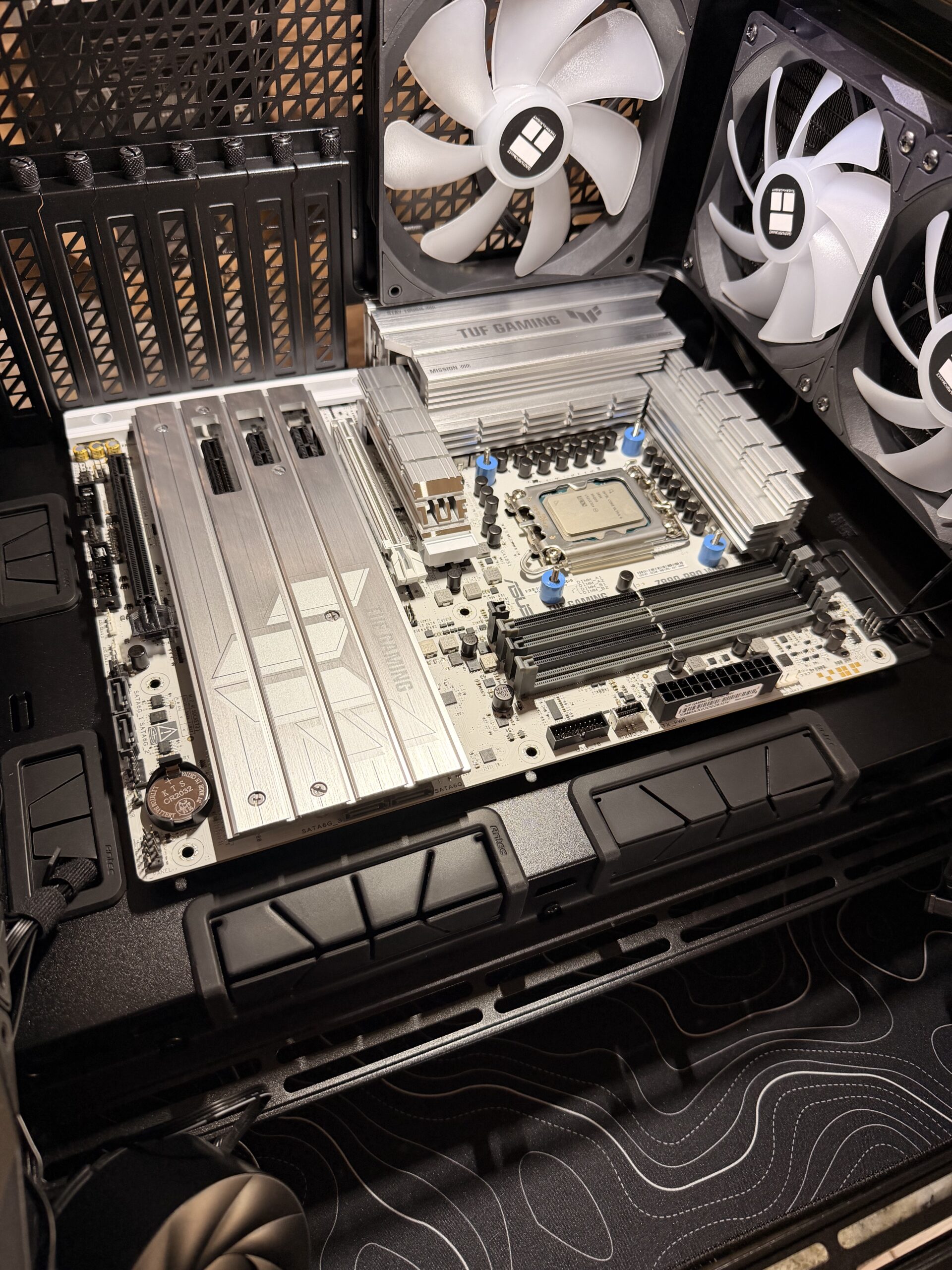
2. Motherboard: ASUS TUF Gaming Z890-PRO WiFi

- Price: $199.99
- Specs: Robust motherboard with PCIe 5.0 support (future-proofing), ample RAM slots, and integrated WiFi 7.
- Why we chose it: Stability and expandability are key. The Z890 chipset supports the latest technologies and provides a solid foundation for our build.
3. RAM: Patriot Viper Venom 64GB (2x32GB) DDR5 6000MHz
- Price: ~$752.72 total (Includes shipping & fees from eBay)
- Specs: High-speed DDR5 memory. We purchased two kits to reach 64GB.
- Why we chose it: LLMs are memory hungry. 64GB is a sweet spot for running 13B-20B parameter models without excessive swapping. With RAM prices fluctuating due to AI demand, this was a strategic investment.
4. GPU: NVIDIA GeForce RTX 5090 OC Edition

- Original Spec: RTX 5080 16GB ($999.99 MSRP)
- Final Upgrade: RTX 5090 (VRAM increased for larger models) Purchased at Best Buy $3299.99 (List Price – now MSRP)
- Source: Best Buy
- Why we chose it: The GPU is the most important component for LLM acceleration. While the 5080 offered excellent performance, the 5090 provides significantly more VRAM capacity and CUDA core throughput for local inference.
5. SSD: Samsung 990 Evo Plus 2TB PCIe Gen5/4 NVMe
- Price: $176.99
- Source: Best Buy (On-sale)
- Specs: 2TB NVMe SSD with fast read/write speeds.
- Why we chose it: Fast storage is critical for loading models quickly and reducing latency during inference.
6. Cooling & Power
- CPU Cooler: Thermalright Aqua Elite 360 ARGB AIO – $57.47
LLM workloads can put significant strain on the CPU; effective cooling prevents throttling. - PSU: be quiet! Power Zone 2 1000W ATX 3.1 PSU – $149.90
Provides stable power delivery, especially for the power-hungry GPU.
7. Case: Antec C8 Wood (glass front & side panels)

- Price: $134
- Specs: Stylish and spacious case with glass front/side panels and ARGB fans.
- Why we chose it: A well-ventilated case helps keep components cool during long inference sessions.
Total Estimated Cost: ~$2,600+ (Before Shipping & Taxes)
(Note: The original build estimate was $2,403.74 based on the Ultra 7 and RTX 5080. Upgrading to the Ultra 9 and RTX 5090 increases this figure by approximately $3500. Pricing is for reference only as of December 20, 2025.)
Pros & Cons of This Build for Local LLMs
| Feature | Pros | Cons |
|---|---|---|
| Overall | Excellent performance for local inference. Good balance of price and upgradability. | Relatively expensive build. Requires Linux setup knowledge. |
| CPU | Strong multi-core performance for pre/post processing. | May be overkill if primarily relying on GPU for inference. |
| RAM | 64GB sufficient for most 13B models. Fast speed improves responsiveness. | Prices fluctuate; may need upgrade for 30B+ parameters. |
| GPU | Excellent acceleration. VRAM allows for larger context windows. | High power consumption. Significant cost driver. |
| Storage | Fast NVMe SSD reduces loading times and latency. | 2TB may fill up quickly with multiple models/datasets. |
| OS (Linux) | Excellent driver support, package management, efficiency. | Requires familiarity with command line (Tip: Use AI to help you install!). |
Final Thoughts
Building a local LLM system is a rewarding experience. This build provides a solid foundation for experimentation and development at Offlinestack. While the initial cost is significant, the benefits of privacy, control, and offline access make it a worthwhile investment for serious AI enthusiasts.
Important Notes:
- Pricing: Prices fluctuate! These are estimates as of December 20, 2025. Be sure to check current pricing before purchasing.
- Model Size: The ability to run specific LLMs will depend on their size (number of parameters) and your VRAM capacity.
- Software Setup: This article focuses on hardware. You’ll need to install and configure the necessary software (e.g., CUDA drivers, Ollama, etc.) separately. We may have another article walking through the installation process soon.
We’ll be sharing more detailed information on the build in the coming weeks, so stay tuned!

Disclaimer: This post and any respective media isn’t updated for current pricing and is only for reference. Your pricing may vary. We may include affiliate links which earn us a commission at no extra cost to you.