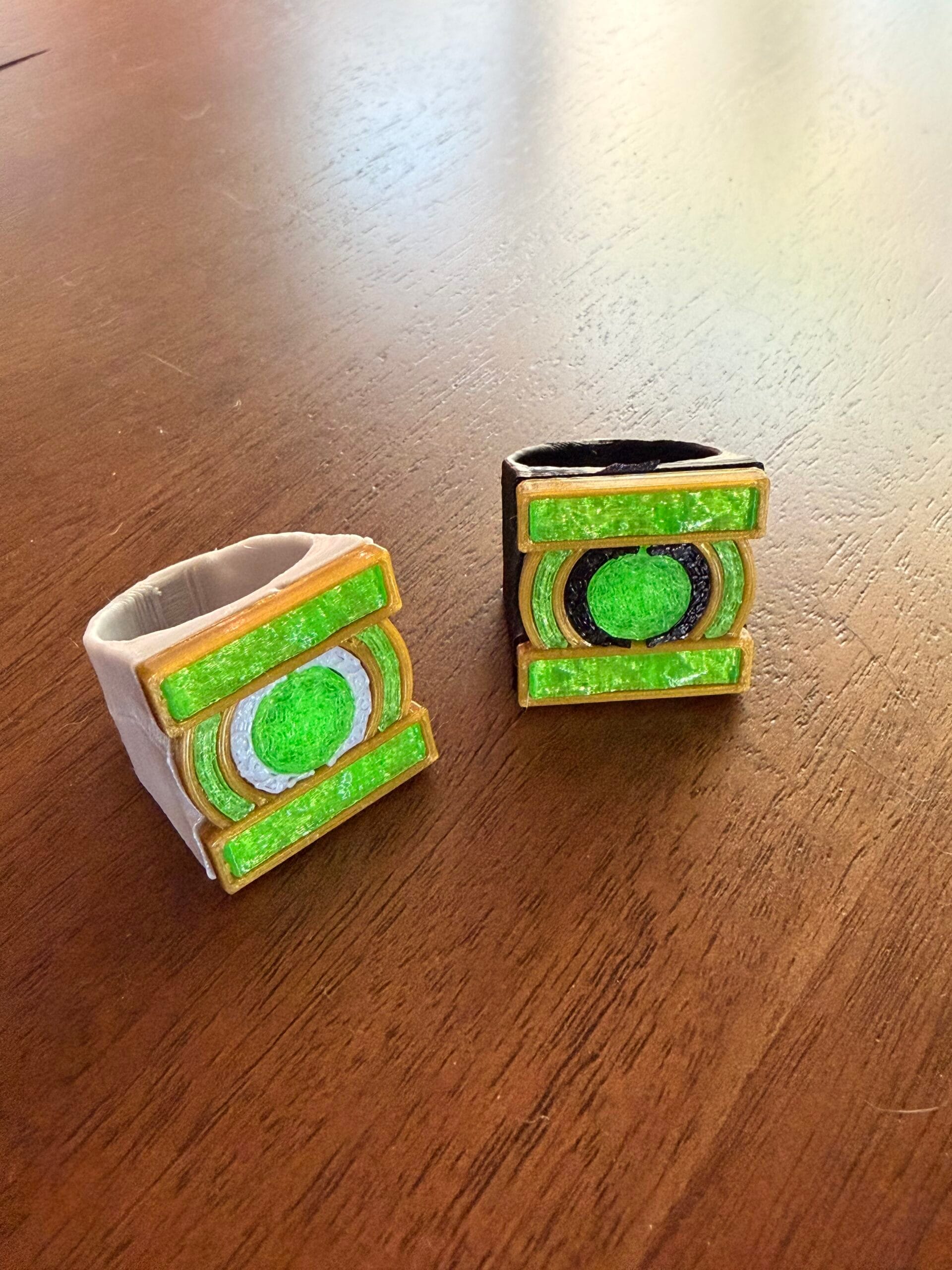
Why Filament Choice Matters for Your FlashForge Adventurer 5M Pro
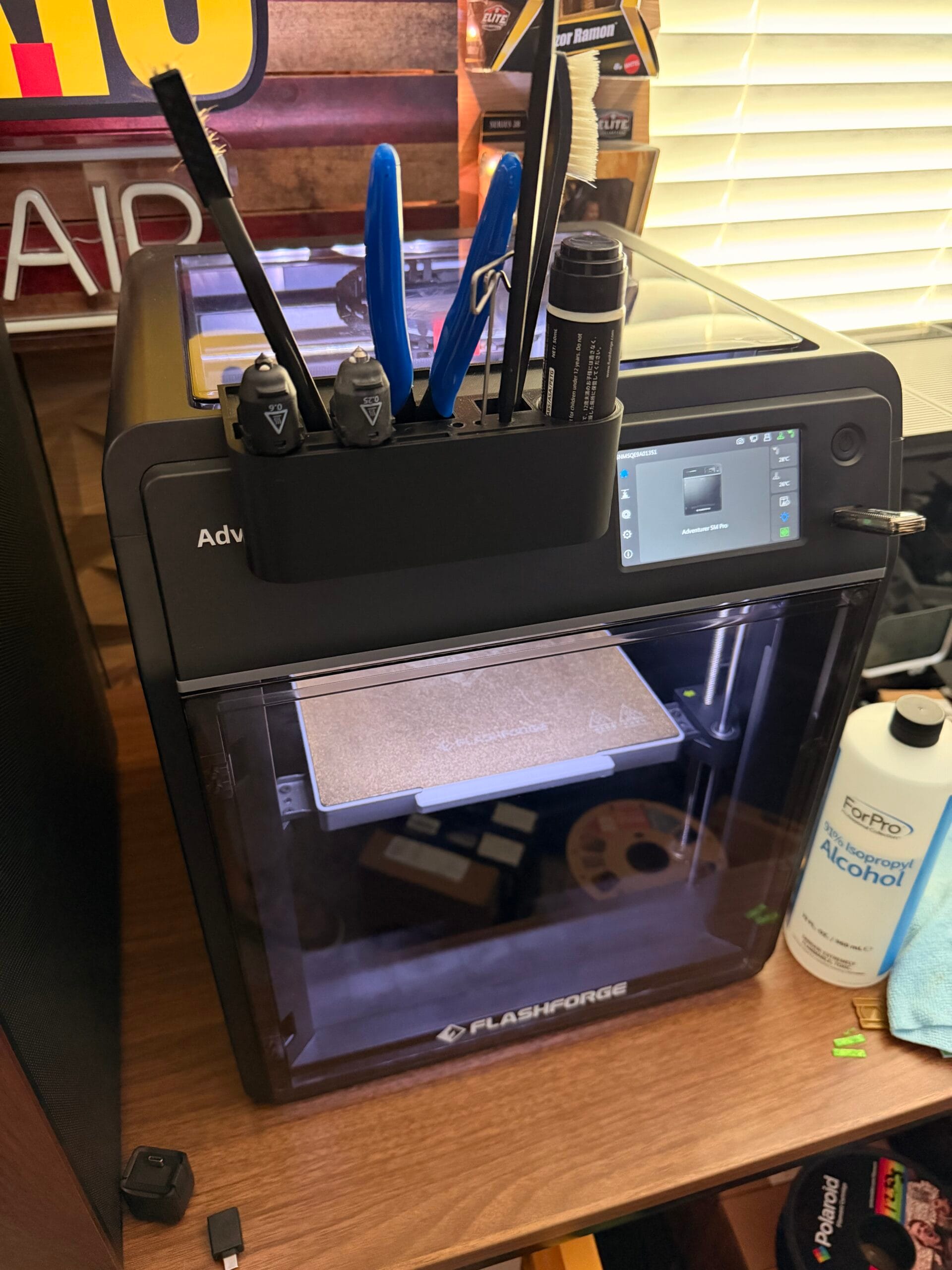
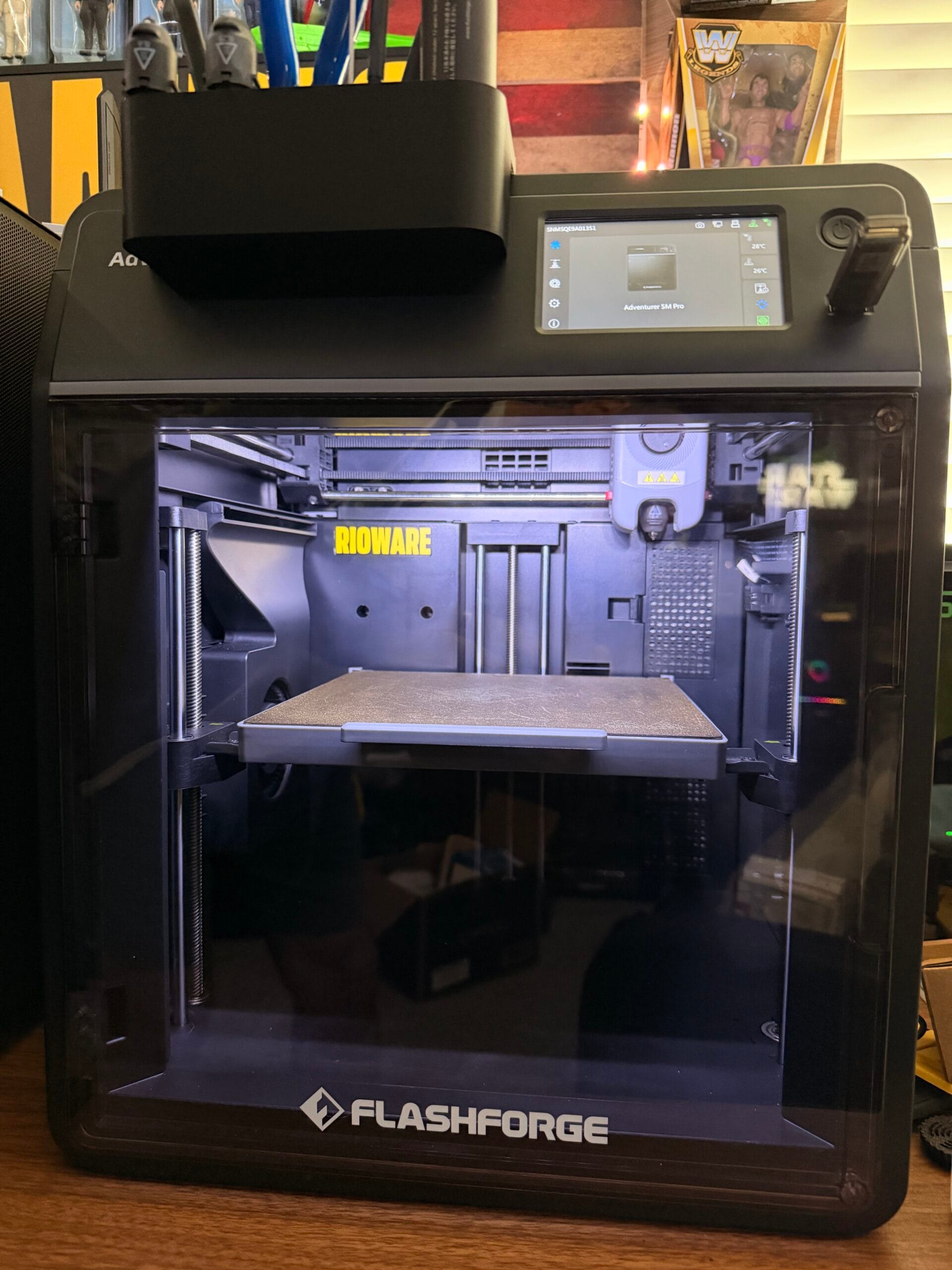
Your FlashForge Adventurer 5M Pro is a versatile enclosed 3D printer that can handle a wide range of materials. But not all filaments are created equal, and choosing the right one makes the difference between prints that look factory-produced and prints that look like hobbyist experiments.
After months of testing dozens of filaments with my Adventurer 5M Pro, here are the best options for every use case.
Best Overall: FlashForge PLA+ Filament
Why it’s #1: FlashForge’s own PLA+ filament is formulated specifically for their printers. The color consistency, layer adhesion, and flow characteristics are optimized for the Adventurer 5M Pro’s hotend and extruder.
Specs:
- Diameter: 1.75mm ±0.02mm
- Nozzle Temp: 190-220°C
- Bed Temp: 50-60°C
- Colors Available: 20+ vibrant colors
- Weight: 1kg per spool
Performance:
PLA+ is the sweet spot between standard PLA and premium filaments. It’s stronger than regular PLA (the “+” means enhanced impact resistance), easier to print than PETG, and produces stunning surface quality. For 90% of beginner projects, PLA+ is the right choice.
Check current price on Amazon →
Best for Functional Parts: FlashForge PETG Filament
When you need prints that are durable, heat-resistant, and chemically stable, PETG is the go-to material. My Adventurer 5M Pro handles PETG beautifully thanks to its enclosed chamber, which maintains consistent temperature and prevents warping.
Best For:
- Functional prototypes and replacement parts
- Outdoor objects (UV resistant)
- Food-safe containers (when printed with food-safe nozzle)
- Heat-resistant applications (up to ~80°C)
Printing Tips for PETG on the Adventurer 5M Pro:
- Use 10-20% enclosure fan speed — Too much cooling causes layer separation
- Set bed temp to 75-85°C — Better adhesion than PLA
- Slow down print speed by 20% — PETG needs more time to bond between layers
- Use a brim or raft — PETG can warp on cooling, even in an enclosure
Check current price on Amazon →
Best Budget Option: eSUN PLA+ Filament
eSUN is one of the most reputable budget filament brands, and their PLA+ is consistently excellent. At typically $15-20 per spool, it’s one of the best values in 3D printing.
Why eSUN PLA+ Works Great with the Adventurer 5M Pro:
- Consistent diameter — ±0.02mm tolerance means reliable extrusion
- Low warping — The enclosed chamber makes this even better
- Wide color range — 30+ colors including silk, matte, and glow-in-the-dark
- Easy to print — Works with default FlashForge profiles
Check current price on Amazon →
Best Premium: Polymaker PolyTerra PLA
Polymaker’s PolyTerra PLA is a premium filament that produces matte-finish prints with exceptional detail. If you’re making display pieces, miniatures, or decorative objects, this is the filament to use.
What Makes It Special:
- Matte finish — No glossy layer lines, looks professionally manufactured
- Excellent layer adhesion — Stronger than standard PLA
- Easy support removal — Clean breaks without damaging the print
- Eco-friendly — Made from renewable resources
Check current price on Amazon →
Best for Flexible Parts: eSUN TPU Filament
TPU (Thermoplastic Polyurethane) is a flexible, rubber-like material perfect for phone cases, gaskets, shock absorbers, and wearable items. My Adventurer 5M Pro handles TPU well thanks to its direct drive extruder.
Printing TPU on the Adventurer 5M Pro:
- Nozzle temp: 210-230°C
- Bed temp: 40-50°C
- Print speed: 15-30 mm/s (slow and steady)
- Retraction: Minimal or disabled (direct drive handles this well)
Check current price on Amazon →
Best for Advanced Users: FlashForge ABS Filament
ABS is the material that makes an enclosed printer like the Adventurer 5M Pro truly shine. Without an enclosure, ABS is nearly impossible to print successfully (warping is a nightmare). Inside the Adventurer 5M Pro, it prints beautifully.
Best For:
- Automotive parts and interior trim
- Electronics enclosures
- High-temperature applications
- Chemical-resistant parts
ABS Printing Tips:
- Keep the enclosure door closed during printing
- Use 80-90°C bed temperature
- Enable 100% fan speed during cooling passes
- Ensure good ventilation (ABS emits fumes)
Check current price on Amazon →
Filament Comparison Chart
| Material | Strength | Flexibility | Heat Resist. | Difficulty | Best For |
|---|---|---|---|---|---|
| PLA+ | ★★★★☆ | ★★☆☆☆ | ★★☆☆☆ | ★☆☆☆☆ | General purpose |
| PETG | ★★★★★ | ★★★☆☆ | ★★★★☆ | ★★☆☆☆ | Functional parts |
| TPU | ★★★☆☆ | ★★★★★ | ★★★☆☆ | ★★★☆☆ | Flexible parts |
| ABS | ★★★★☆ | ★★☆☆☆ | ★★★★★ | ★★★★☆ | High-temp parts |
| Nylon | ★★★★★ | ★★★★☆ | ★★★★★ | ★★★★★ | Engineering parts |
How to Store Your Filament
Even the best filament will fail if stored improperly. Here’s my storage setup:
- Long-term: Sealed bags with silica gel desiccant (the SUNLU S4 also serves this purpose)
- Short-term: Filament box on the printer (keep the lid closed when not printing)
- Never: Leave filament exposed to humid air for more than a few hours
Final Recommendation
For most Adventurer 5M Pro owners, here’s my recommended starter kit:
- Primary: FlashForge PLA+ (your go-to for everything)
- Functional: FlashForge PETG (for parts that need strength)
- Budget backup: eSUN PLA+ (great value for color variety)
Start with these three, and expand to TPU, ABS, and specialty filaments as your projects demand.
Ideal for FlashForge Adventurer 5M Pro owners who want the best filament matching for every project.
Affiliate Disclosure: As an Amazon Associate, I earn from qualifying purchases. This post contains affiliate links. If you click through and make a purchase, I may earn a small commission at no extra cost to you.
Shop curated picks on RIOWARE
Want the short path from research to purchase? Browse the products and accessories we curate for practical performance, compatibility, and everyday reliability.
Disclosure: RIOWARE participates in affiliate programs. Prices and availability are confirmed on Amazon at checkout.