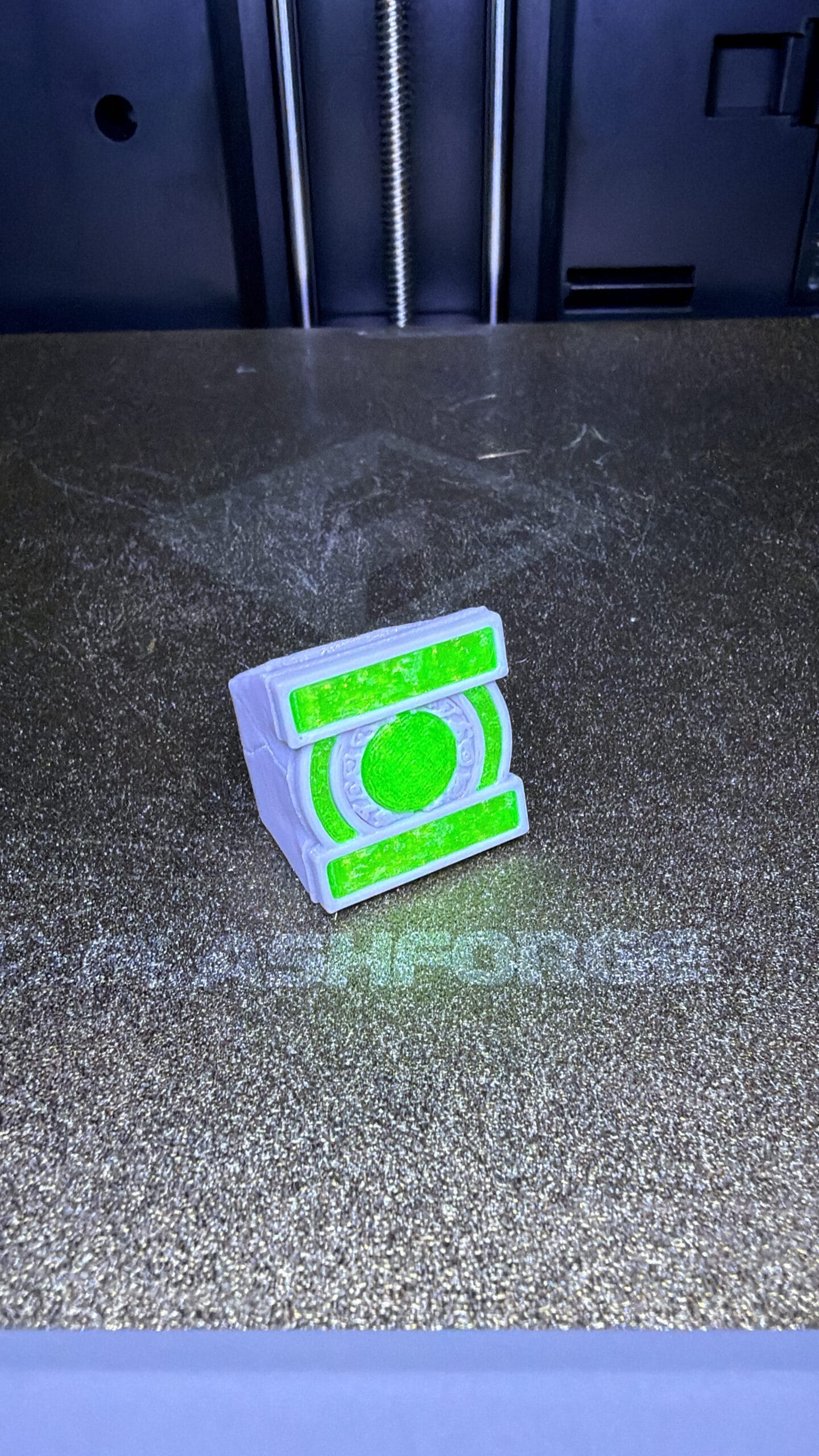
Head-to-Head: Two Top Enclosed 3D Printers Compared
When it comes to enclosed 3D printers for serious hobbyists and small businesses, two names consistently rise to the top: the FlashForge Adventurer 5M Pro and the Creality K1 Max. Both offer enclosed chambers, auto-leveling, high-speed printing, and smart connectivity — but they take very different approaches to achieve their goals.
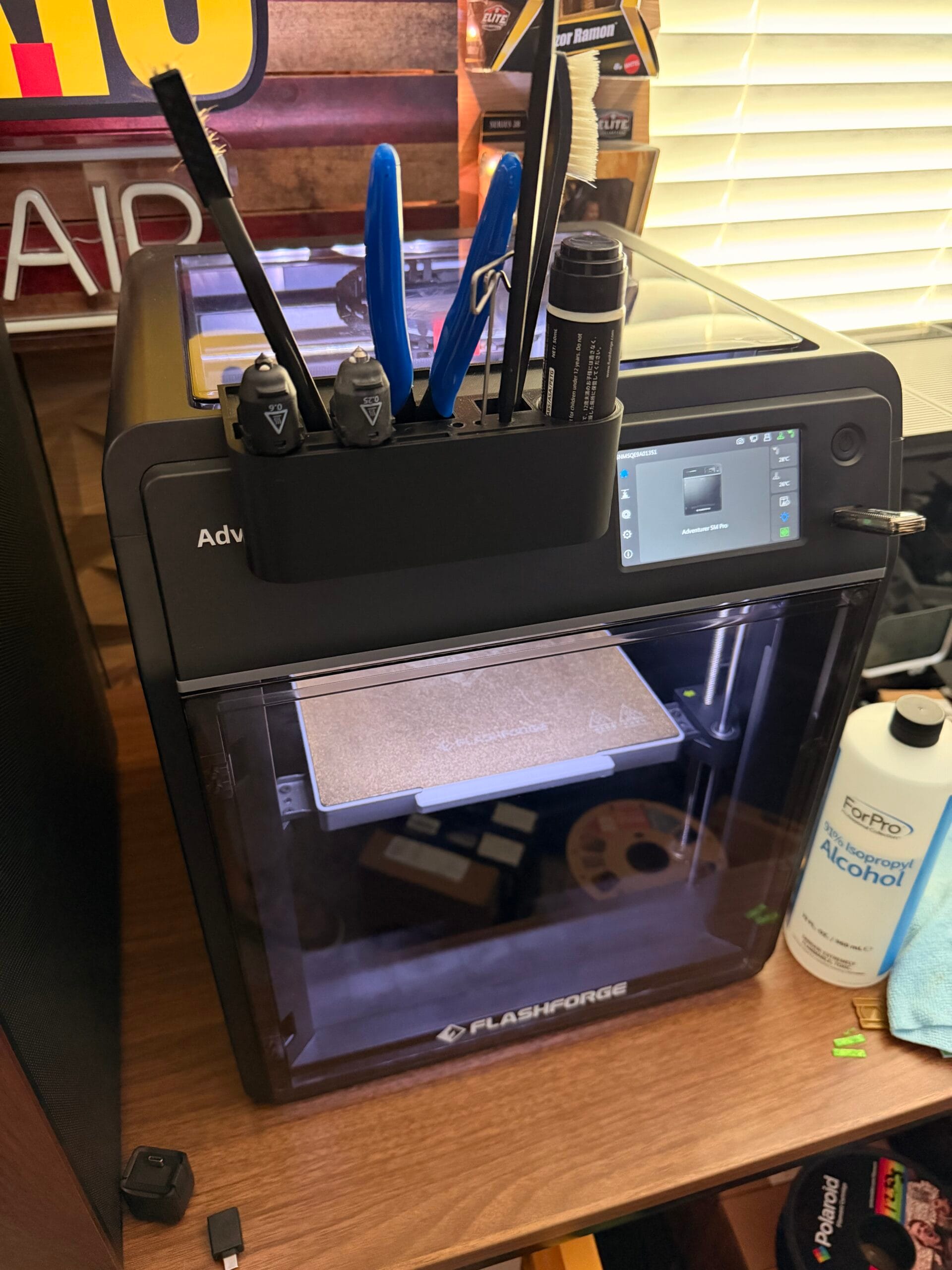
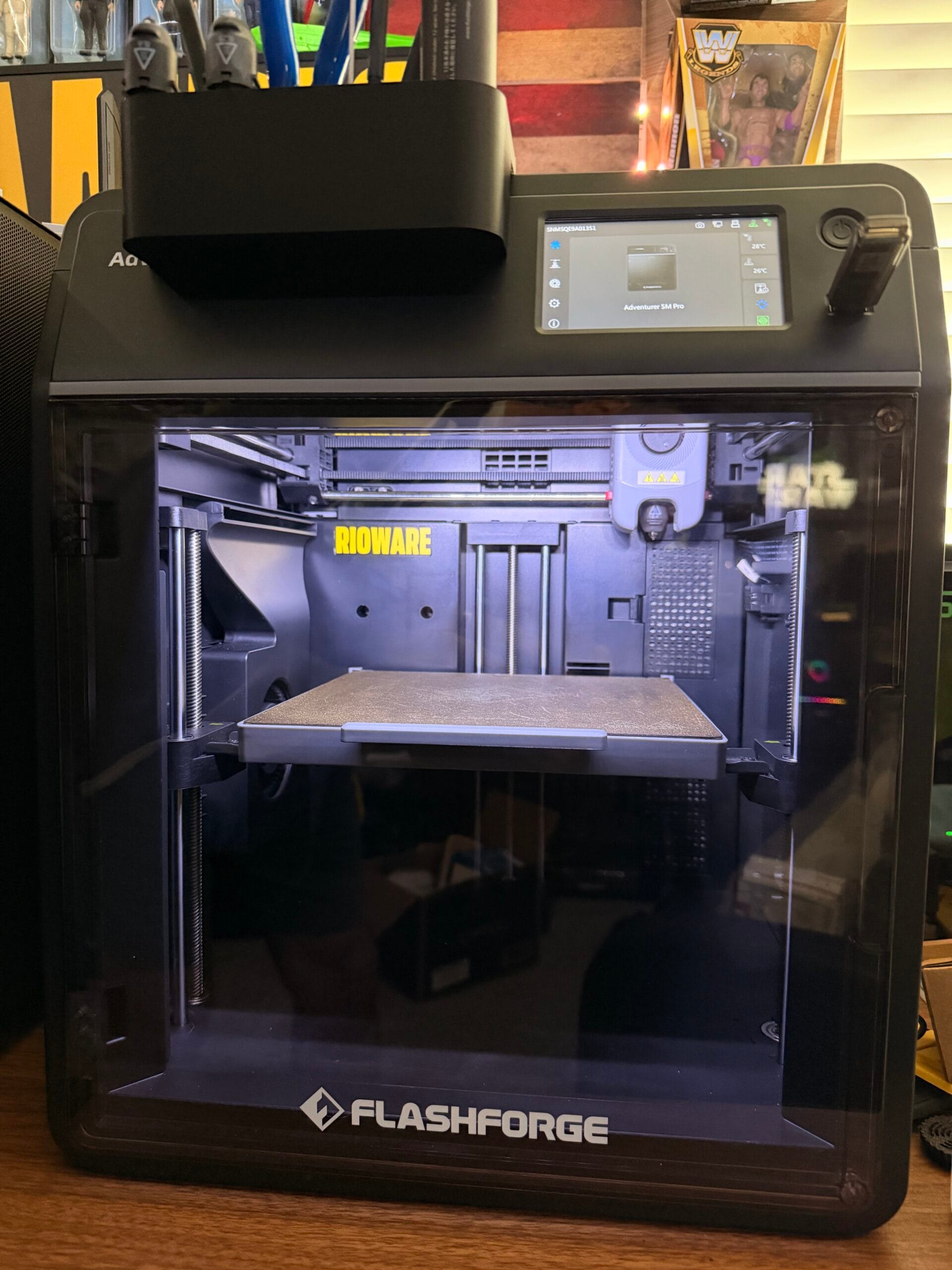
I’ve been using the Adventurer 5M Pro as my daily driver for months, and I’ve spent significant time with the K1 Max as well. Here’s my detailed comparison to help you decide which is right for you.
Quick Specs Comparison
| Feature | FlashForge Adventurer 5M Pro | Creality K1 Max |
|---|---|---|
| Price | ~$449 | ~$799 |
| Build Volume | 220x200x200mm | 300x300x300mm |
| Max Speed | 500mm/s | 600mm/s (boost mode) |
| Enclosed Chamber | Yes (full enclosure) | Yes (with door) |
| Auto-Leveling | Yes (CR-Touch) | Yes (auto bed leveling) |
| Extruder Type | Direct drive | Direct drive |
| Max Nozzle Temp | 280°C | 300°C |
| Connectivity | USB, Wi-Fi, FlashForge Print Center | USB, Wi-Fi, Creality Cloud |
| Filter System | HEPA + Activated Carbon | HEPA + Activated Carbon |
| Camera | No built-in camera | Optional camera module |
FlashForge Adventurer 5M Pro: Strengths
1. User Experience
The Adventurer 5M Pro is significantly more beginner-friendly. The FlashForge Print Center software is intuitive, the touch screen is responsive, and the overall experience feels polished. Out of the box, it prints great with minimal tuning.
2. Build Quality
FlashForge has a reputation for solid build quality, and the 5M Pro is no exception. The enclosure is well-sealed, the frame is rigid, and the components feel premium. The silent stepper drivers make it quiet enough to run in a living space.
3. Filament System
The Adventurer 5M Pro uses FlashForge’s built-in filament storage system. You load a spool, and the printer automatically stores it inside the enclosure when not in use. This keeps filament dry and protected — a clever feature that eliminates the need for a separate filament dryer.
4. Price-to-Performance
At ~$449, the Adventurer 5M Pro offers incredible value. You get an enclosed chamber, auto-leveling, high-speed printing, and silent operation at less than half the price of the K1 Max.
Creality K1 Max: Strengths
1. Massive Build Volume
The K1 Max’s 300x300x300mm build volume is 73% larger than the Adventurer 5M Pro. If you need to print large objects (miniatures, cosplay pieces, large prototypes), this is a game-changer.
2. Raw Speed
With a boost mode of 600mm/s, the K1 Max is noticeably faster than the Adventurer 5M Pro. For time-sensitive prints, this matters.
3. Higher Nozzle Temperature
The K1 Max’s 300°C max nozzle temp (vs. 280°C on the Adventurer 5M Pro) means better compatibility with high-temperature materials like ABS, PC, and Nylon.
4. Creality Ecosystem
Creality has a massive user base and ecosystem. If you want to customize, mod, or troubleshoot, there’s a wealth of community resources available.
Where the Adventurer 5M Pro Wins
| Category | Winner | Why |
|---|---|---|
| Beginner-friendliness | Adventurer 5M Pro | Plug-and-play experience, better software |
| Quiet operation | Adventurer 5M Pro | Silent stepper drivers, better enclosure sealing |
| Value for money | Adventurer 5M Pro | Half the price with 80% of the performance |
| Filament management | Adventurer 5M Pro | Built-in storage keeps filament dry |
| Build quality feel | Adventurer 5M Pro | More premium materials and fit/finish |
Where the Creality K1 Max Wins
| Category | Winner | Why |
|---|---|---|
| Build volume | K1 Max | 73% larger printing area |
| Raw speed | K1 Max | 600mm/s boost mode |
| High-temp materials | K1 Max | 300°C nozzle vs 280°C |
| Community support | K1 Max | Larger user base, more mods/tutorials |
Who Should Buy Which?
Choose the FlashForge Adventurer 5M Pro if you:
- Are a beginner or intermediate printer
- Value quiet operation (living room/office use)
- Want a plug-and-play experience
- Are budget-conscious (~$449 vs ~$799)
- Print mostly PLA, PETG, and standard materials
- Want built-in filament storage
Choose the Creality K1 Max if you:
- Need to print large objects regularly
- Are comfortable troubleshooting and tuning
- Want maximum speed for production printing
- Need high-temperature material compatibility
- Want to explore the modding/community ecosystem
- Have a dedicated printer space (it’s louder)
My Verdict
For most users — especially beginners and hobbyists — the FlashForge Adventurer 5M Pro is the better choice. It offers 80% of the K1 Max’s performance at less than half the price, with a significantly better user experience.
The K1 Max makes sense if you specifically need the larger build volume or are an advanced user who wants to push the boundaries of speed and materials.
For beginners and hobbyists who want a reliable, quiet, enclosed 3D printer that just works.
Affiliate Disclosure: As an Amazon Associate, I earn from qualifying purchases. This post contains affiliate links. If you click through and make a purchase, I may earn a small commission at no extra cost to you.
Shop curated picks on RIOWARE
Want the short path from research to purchase? Browse the products and accessories we curate for practical performance, compatibility, and everyday reliability.
Disclosure: RIOWARE participates in affiliate programs. Prices and availability are confirmed on Amazon at checkout.